
S1 Game Deposit
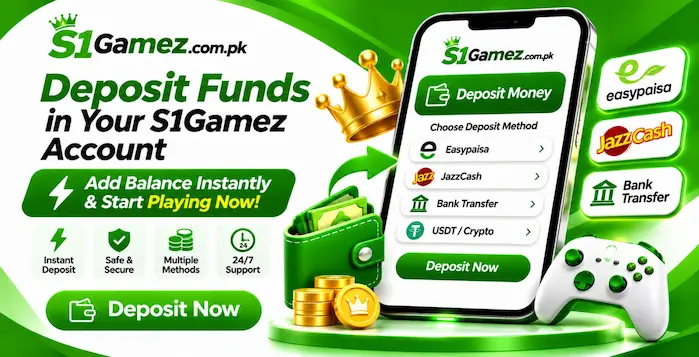
The S1 Game Deposit section is intended for users who want to add funds to an account, if the current platform provides a real-money wallet. Before making a payment, review the instructions displayed inside your own account. Payment options, minimum amounts, fees, and processing conditions can change.
Never send money based only on a message from an unknown person. Use the payment instructions shown through a platform channel you have independently verified.
How to Make a Deposit on S1 Game
If a deposit feature is available, follow the instructions shown in your app. The general process may look like this:
Do not repeat a payment if the balance does not update immediately. First, check the transaction status and contact verified support.
Easypaisa Deposit
If Easypaisa appears as an available payment method in your account, read the displayed instructions carefully. Confirm the recipient name, number, and amount before completing the transfer. Do not send money to a personal number supplied through an unrelated message. Keep the payment confirmation until the transaction appears correctly in your account.
JazzCash Deposit
If JazzCash is listed in the current deposit section, follow the instructions provided there. Check the recipient details before confirming the transfer. Never share your JazzCash PIN or OTP with another person, even if they claim to be a platform representative.
Bank Transfer
If the app displays a bank transfer option, verify the account name, bank details, and amount. Make sure the information matches the instructions shown in your account. Keep the transfer receipt for your records.
Deposit Problems
A deposit may take time to appear because of a payment delay, incorrect details, or a service issue. Check your receipt and transaction status first. If the payment has gone through but your balance remains unchanged, contact support through a verified channel. Never pay an additional amount to an unknown person who promises to release or confirm your deposit.